Mikan Catch
Catch them before they splat.
A tall mikan tree, a farmer with a basket, and the tick‑tick‑tick of an old LCD handheld. Mikans shake loose and drop one step at a time. Get under them.
For Apple silicon Macs with macOS 13 Ventura or later, and iPhone and iPad with iOS 17 or later.
Runs on your device. On the Mac its only connection is a once‑a‑day update check; on iPhone and iPad it connects to nothing at all. The only things it remembers are your best scores.
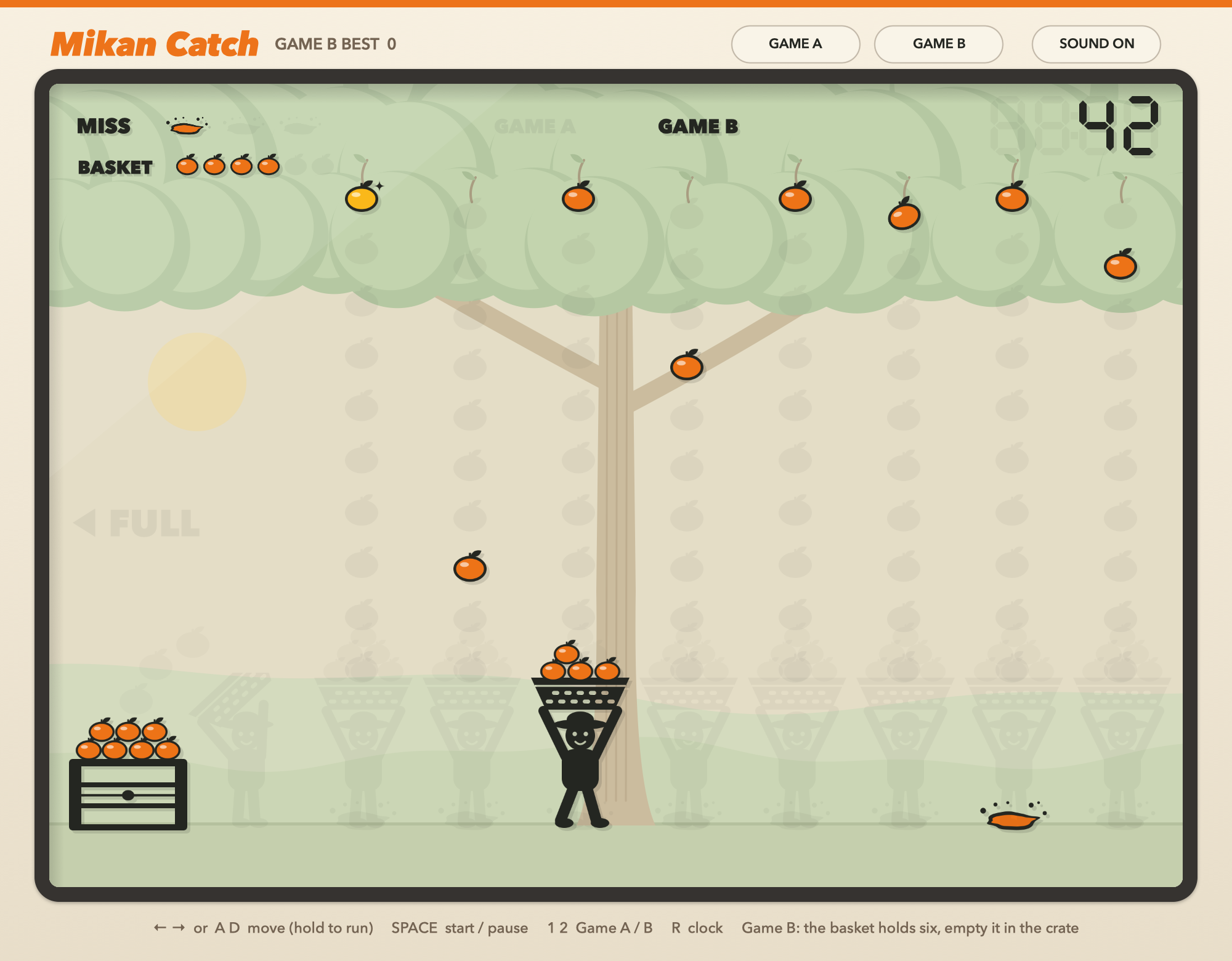
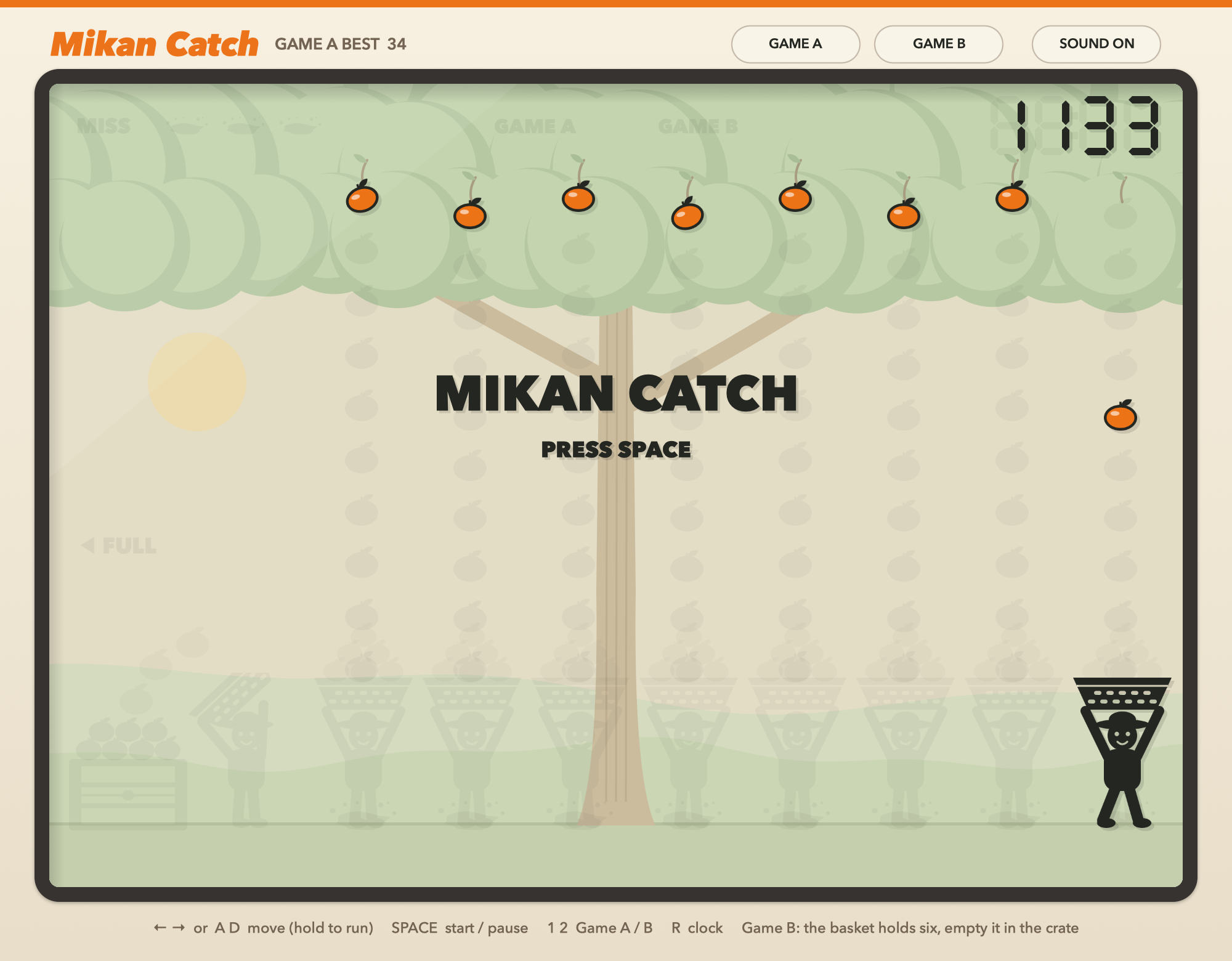
On the Mac
On iPhone and iPad
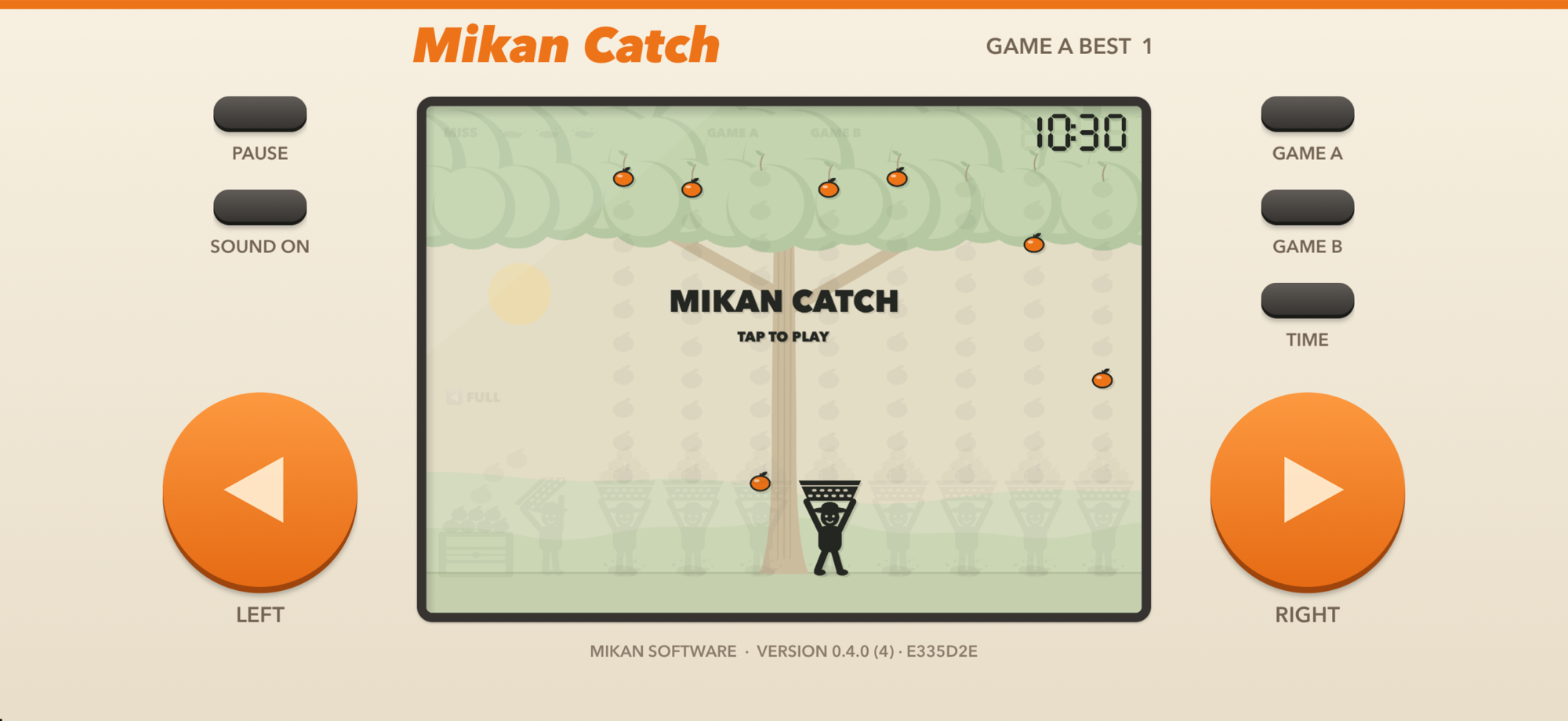
Two games, like the originals.
In Game A the basket never fills. Game B is faster, and the basket holds six: step past the left end to tip it into the crate for 2 points a mikan, and 5 more for a full one. Mikans are spaced so the run to the crate always fits. One that lands in a full basket bounces out for half a miss, like the half misses in Game & Watch Egg.
Hard, but always fair.
A mikan only shakes loose where you could still reach it, counting every mikan already falling and, in Game B, your trips to the crate. At the bottom it hangs for a moment before it drops, longer early on. Golden mikans are worth 5. Three misses ends the game; every 100 points clears them.
Real LCD steps.
Everything moves on one shared tick, with faint ghost segments showing every position, as on a real handheld. It speeds up slowly as your score climbs and, like the originals, eases off at every hundred before climbing again. All the art and sound are drawn by the game itself.
Controls
On the Mac, keyboard or mouse; the buttons along the top pick the game and the sound. On iPhone and iPad, big buttons you can't miss.
On the Mac
Move
One spot per press
← → or A D. Hold a key and the steps speed up, so you can cross the whole screen in about two thirds of a second. The mouse works too.
Play
Start, pause, choose
Space starts or pauses, Esc pauses, and 1 or 2 starts Game A or Game B.
Clock
Back to the start
R goes back to the clock screen. Click into another window and the game pauses itself.
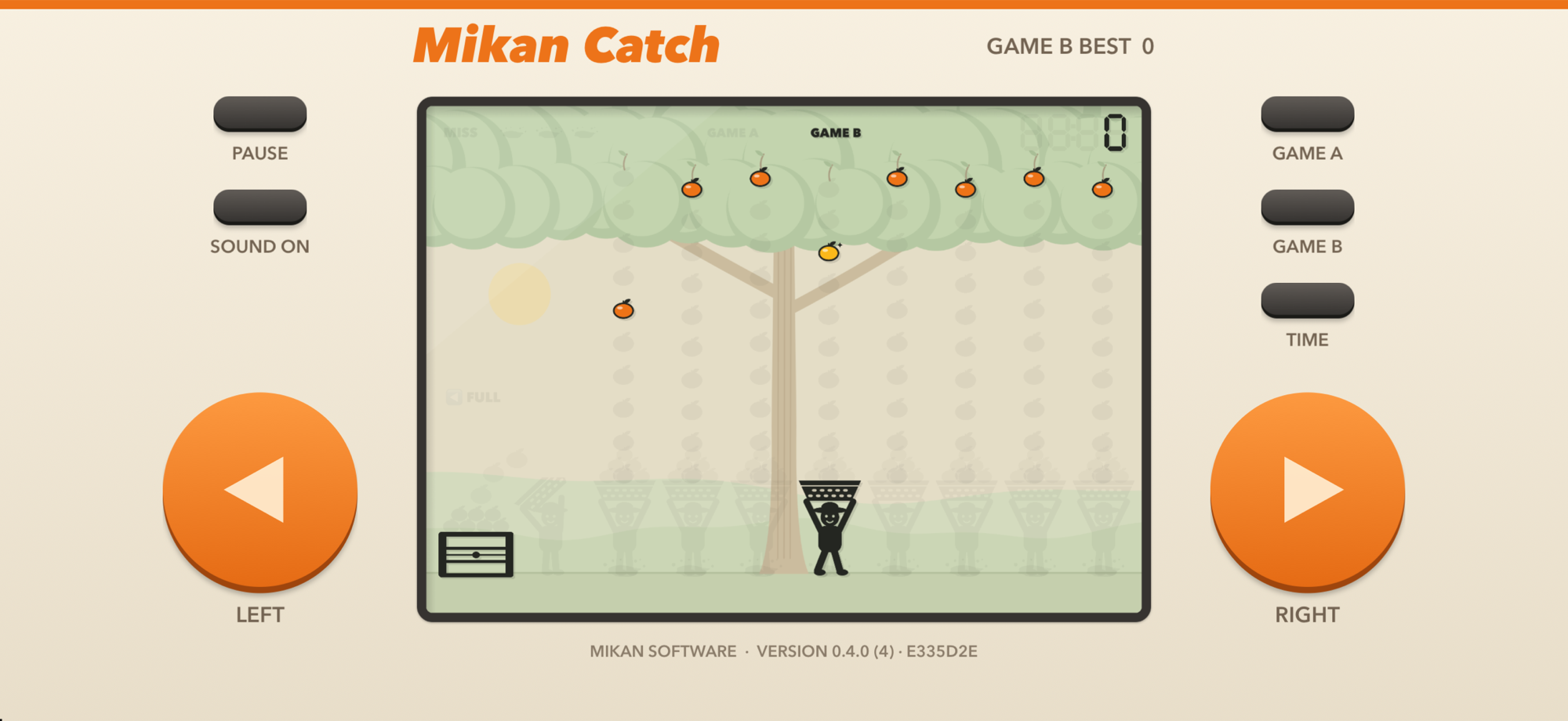
On iPhone and iPad
Move
Big targets
The whole area beside each orange button is the button, so your thumbs don't have to aim. Hold to run. Or touch the screen and the farmer walks there.
Play
Tap to start
Tap the screen to start or resume. The GAME A and GAME B keys start a game, TIME goes back to the clock, and PAUSE pauses. A call or a trip to another app pauses it too.
Feel
Clicks and buzzes
A tick with every step, a bump for each catch, a buzz for a miss. The beeps play even with your ringer off, on top of any music, and SOUND turns them off. A keyboard on an iPad works like the Mac's.
The fine print
- Game A and Game B, each with its own best score
- 1 point a mikan, 5 for a golden one, crate bonuses in Game B
- Three misses and the game is over; every 100 points clears them
- Pauses itself when you switch away
- Sound effects, with a mute button; haptics on iPhone
- On iPhone and iPad, held sideways like a Game & Watch
- Native Swift and SpriteKit, no web page in a window
- On the Mac, updates itself: checks once a day and installs only a newer, notarized build from the same developer
- No account, no ads, no tracking