
GPT Usage
Your Codex limits, in the menu bar.
Two rings: the 5‑hour window inside, the weekly window outside, each filling as you spend your ChatGPT plan's shared Codex allowance. A tick on each ring shows how far through the window you are, and turns red when you're on pace to run out before it resets.
For Apple silicon Macs with macOS 14 Sonoma or later.
Reads your limits from OpenAI using the Codex sign‑in you already have. It connects nowhere else — not even to us.
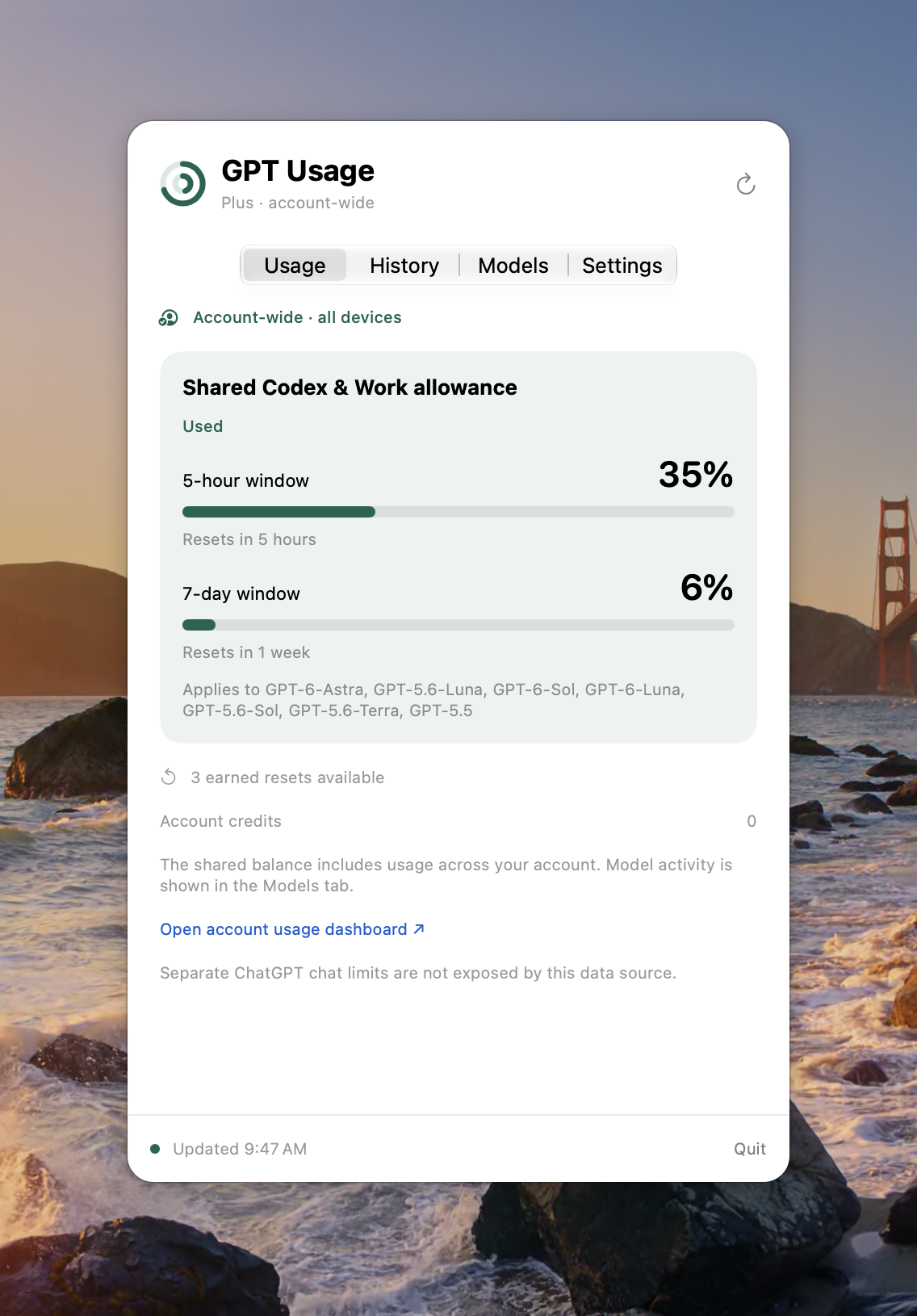
Your whole account.
The numbers come from OpenAI, not from this Mac, so they count everything charged to the allowance: every device, every place you use Codex. No estimating from local logs, and when OpenAI doesn't report a number, GPT Usage says so instead of guessing.
Pace, not just percent.
Each ring's tick marks how much of the window has gone by: green when you're on track, orange when it's close, red when you'll run out before the reset. The rings turn orange at 80% and red at 95%.
Told when it's back.
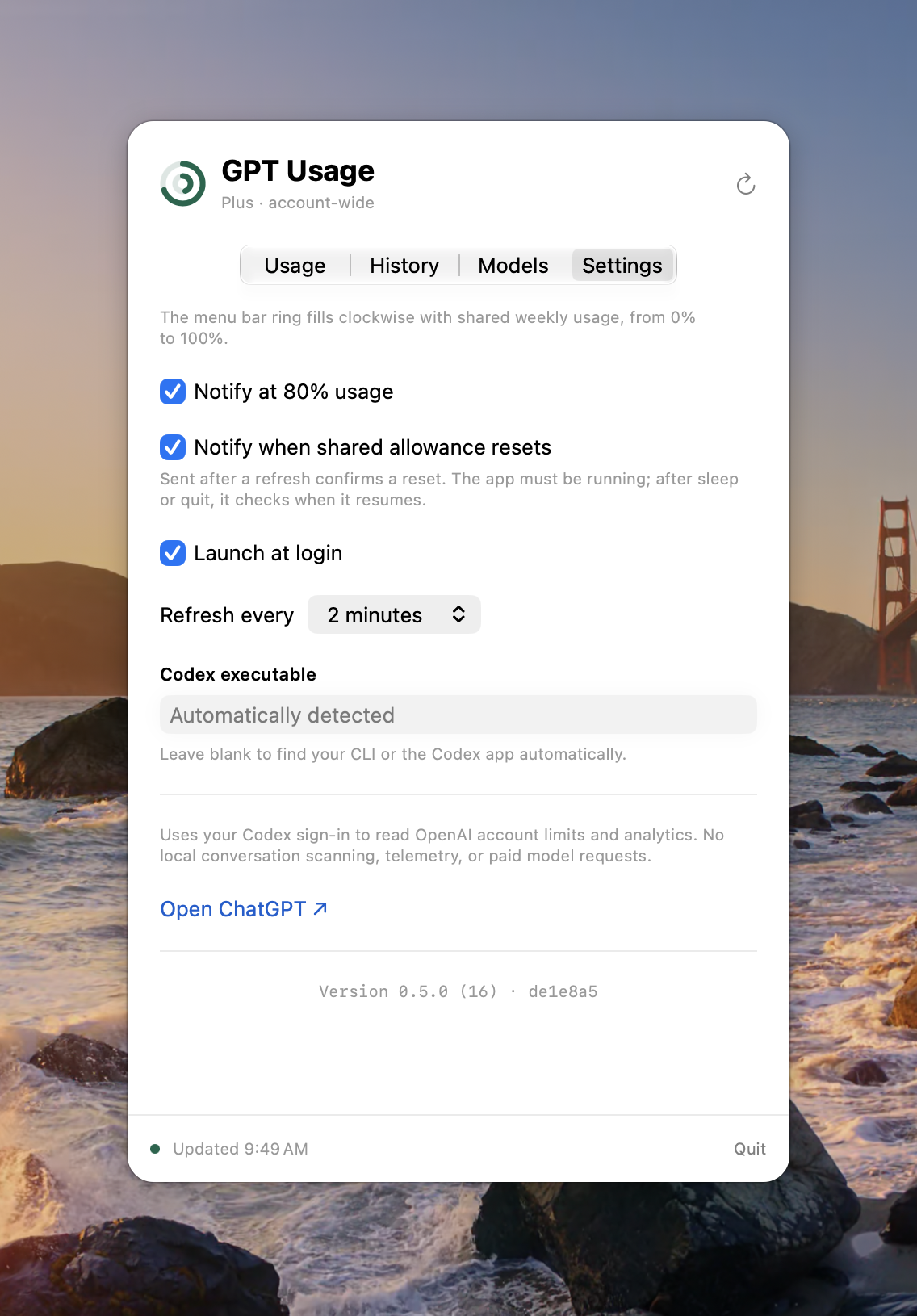
A notification at 80%, and another when the shared allowance resets. A reset is announced only after a fresh reading confirms it, and never twice for the same one, even across sleep and relaunch.
How it works
-
Be signed in to Codex.
GPT Usage reads your limits through Codex, OpenAI's coding agent, so it needs Codex signed in with your ChatGPT subscription: run
codex loginonce. It finds the Codex CLI, or the copy inside the ChatGPT or Codex desktop app, on its own. No API key, and GPT Usage never sees your password. -
Glance at the rings.
They show the same allowance as ChatGPT's own Codex usage page, refreshed every couple of minutes. Click for the details.
-
See what's drawing on it.
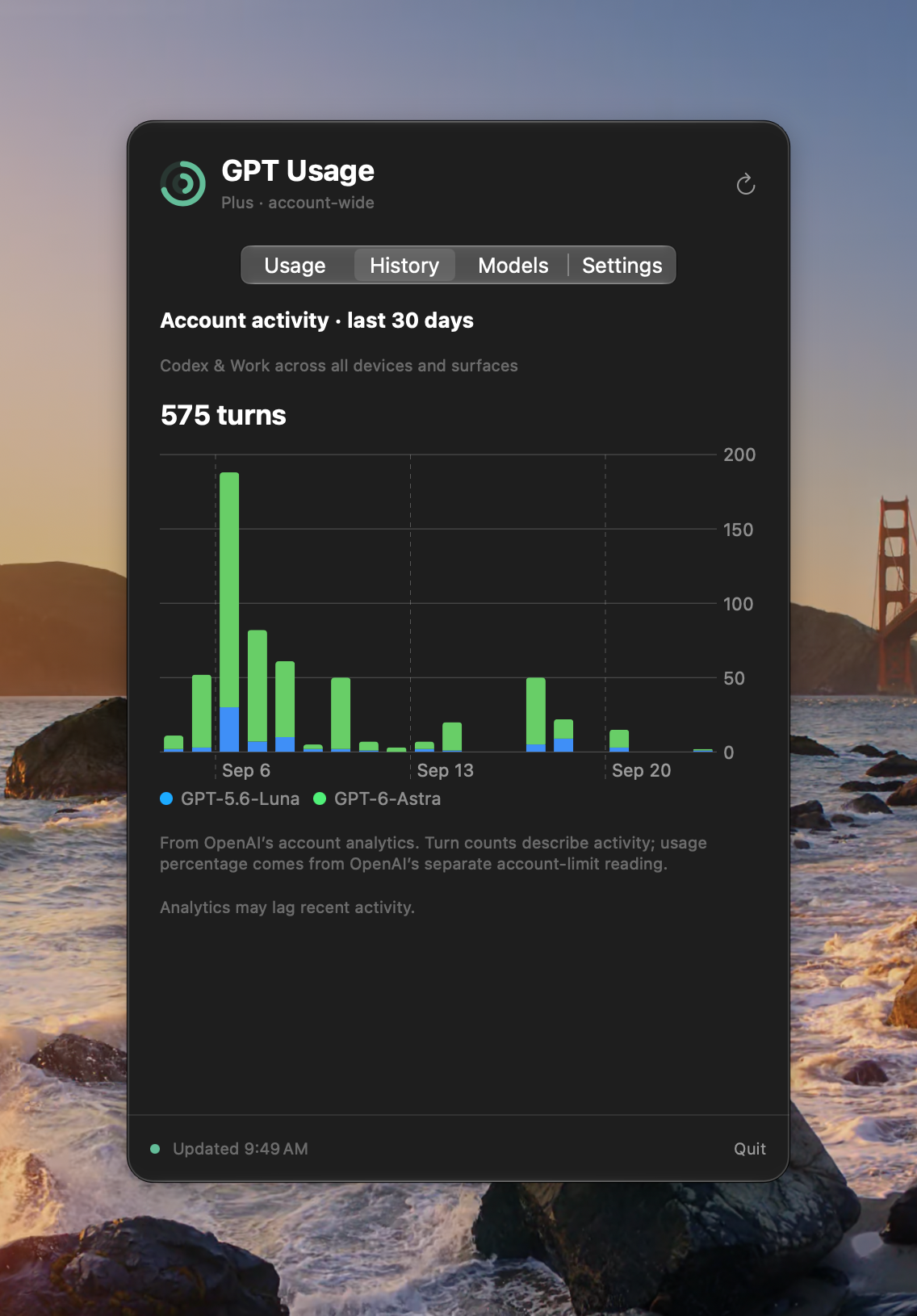
The History tab charts 30 days of your account's activity by model, from OpenAI's own analytics. The Models tab lists which models share the allowance and which have a limit of their own, along with your credits and any earned resets.
The fine print
- Shared 5‑hour and weekly windows, with reset times and pace ticks
- A separate card for any model OpenAI gives its own limit
- The list of covered models comes live from Codex; none are hardcoded
- Covers the Codex allowance; ChatGPT's separate chat limits aren't available from this source
- Account history uses the endpoint behind ChatGPT's own usage dashboard, which isn't a public API: it can lag, and could change
- Never sends a model request, uses a reset, or buys anything
- Never stores your Codex sign‑in; signing in and out stays with Codex
- Native Swift app for Apple silicon, notarized by Apple
- No built‑in updater yet — new versions are posted here
- No account with us, no analytics, no telemetry
GPT Usage is an independent app. It is not made by, affiliated with, or endorsed by OpenAI. ChatGPT and Codex are OpenAI products.